Table of Contents
Overview
Customers need to connect their OnPrem NetScaler Console (if you don’t want to use the free NetScaler Console Service) to Citrix Cloud for LAS-Licensing before the 15th of April 2026.
Issue
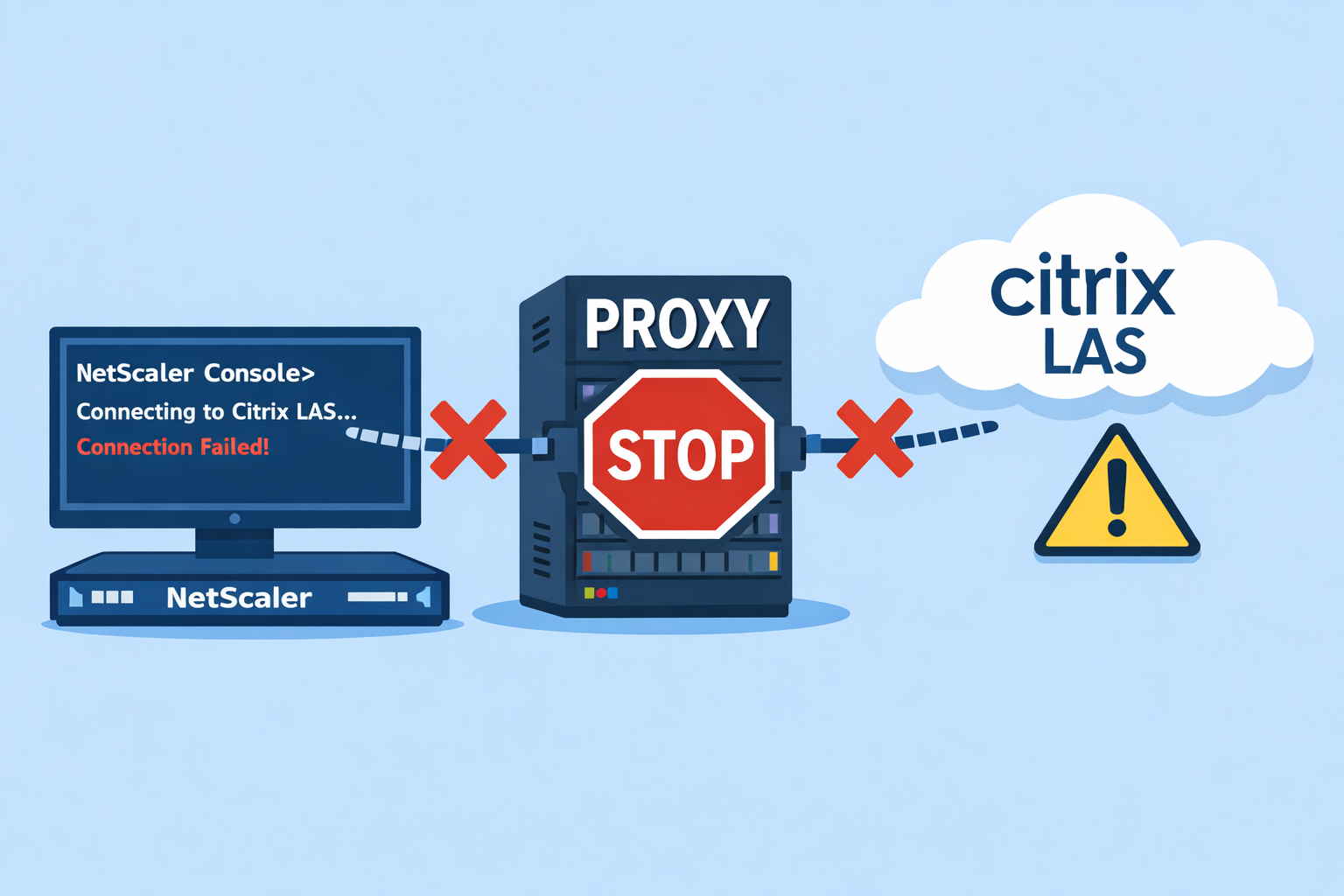
When using a Proxy in NSC and you’re trying to configure LAS-Connect, there are two types of errors which I want to explain.
Connect OK, no Licenses shown
The first Issue before NSC Build 14.1 60.52 is, the Cloud-Connect is working fine, but your Licenses are never shown, it’s just blank without any errors:
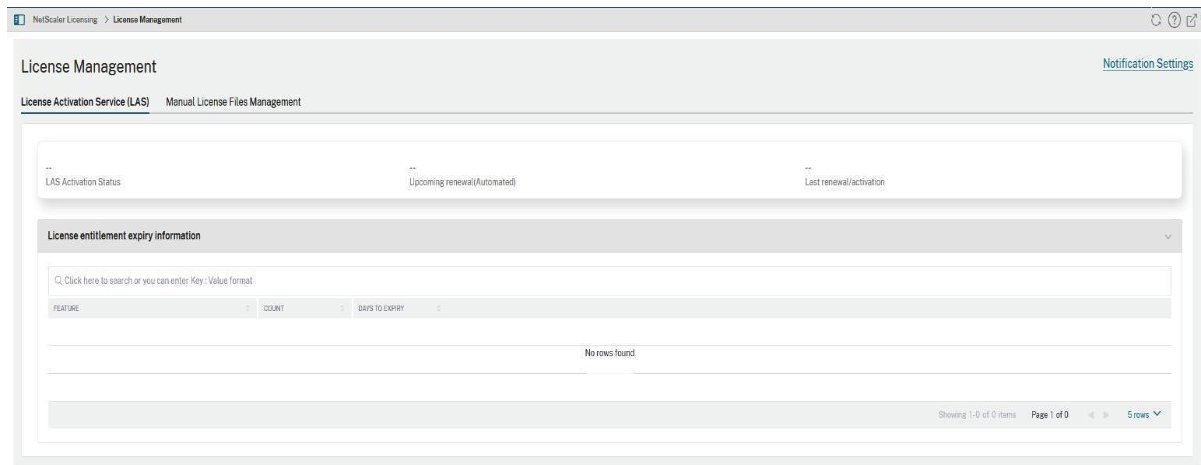
For that, there’s an official NSHELP ID, which should be fixed beginning with 14.1 60.52:
NSHELP-41158 – LAS license retrieval fails in NetScaler Console on-prem when using a proxy with Cloud Connect to connect to NetScaler Console service.
Which brings us to another / the next issue.
Connect nOK
First, Firmware 14.1 60.52 had another update-issue, saying the DB is corrupt:
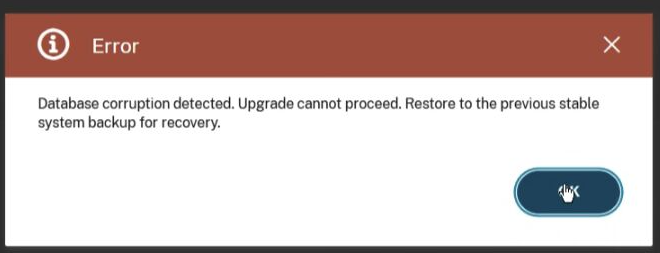
Workaround was Update via CLI or replacing the DbCorruptionCheck.py Script in /mps before hitting the last Upgrade button, because this file gets removed during pre-checks.
This is fixed with Build 14.1 60.54.
And the next issue with that Build (which should fix the Proxy-License-Issue, just to remind to) is, there’s happing no Cloud-Connect:

With a configured Proxy, the first Cloud-Connect (or if you use “Modify Tenant” to reconnect) will fail with a connectivity error.
No – your Proxy is not blocking anything, it’s another Bug – as soon as a Proxy is configured, the Auth-Popup to https://trust.citrixnetworkapi.net/root/trust/v1/identity?verify=XXXXX&mode=noResourceLocation&scenario=embedded will never show up, you can’t authenticate to Cloud and NSC doesn’t know where to connect to.
Workaround: First Cloud-Connect without Proxy, as soon as the connection is established, you can configure a Proxy for all following connections / LAS-usages.
Update 07.01.26
There’s a Workaround which I can confirm is working fine – the release notes got an Update, too:
Set Proxy username and password to “default”:
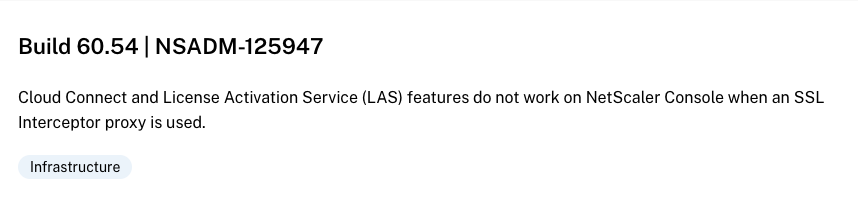
Also, when SSL-Intercept is used by a Proxy, watch out:
Summary
Citrix is working on a fix, no ETA yet. If you can’t go without Proxy, it’s very difficult to switch to LAS for your NetScaler environment… I will update this Post as soon as I’m getting an update from the escalation engineer.
Hey, there’s a way to fix the CloudConnect problem.
Set the username and password to the same value in the proxy settings. After making that change, you will see the login pop-up. The solution is based on the following NSHELP ID.
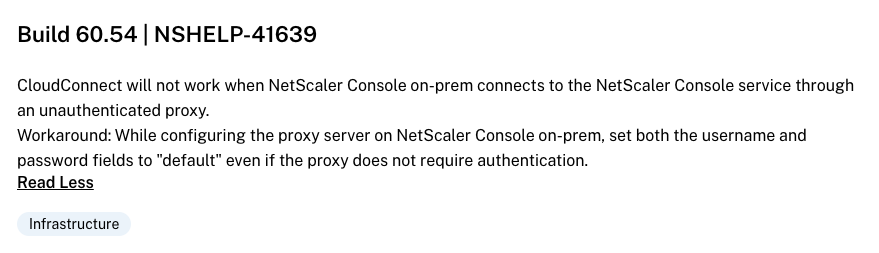
Build 60.54 | NSHELP-41639
CloudConnect will not work when NetScaler Console on-prem connects to the NetScaler Console service through an unauthenticated proxy.
Workaround: While configuring the proxy server on NetScaler Console on-prem, set both the username and password fields to “default” even if the proxy does not require authentication.
a new verison has been released, have you had time to test?
Build 66.55 | NSADM-125947
Cloud Connect and License Activation Service (LAS) features do not work on NetScaler Console when an SSL Interceptor proxy is used.